A former employee still has a key. The rear door does not close all the way unless someone pulls it shut. A busy office shares one key among several people, and nobody is sure who has copies. These are not minor inconveniences. They are the reasons many small businesses start looking for the best office security upgrades before a break-in, lockout, or liability issue forces the decision.
For most offices, security is not about buying the most expensive equipment. It is about identifying the doors, keys, and access habits that leave the property exposed, then fixing the highest-risk problems first. A practical upgrade should protect staff, equipment, records, and inventory without making normal work harder.
Start With the Doors You Already Have
Office security begins at the physical opening. Even a high-quality lock cannot do its job if the door is warped, the frame is loose, the strike plate is weak, or the closer is failing. A door that looks locked but can be pushed open is a serious problem, especially at rear entrances, employee-only doors, and doors near loading areas.
Check each exterior and restricted interior door after business hours. Does it latch fully without force? Is there daylight around the frame? Does the deadbolt extend cleanly into the strike? Can the hinge pins be removed from the outside? These details matter more than many owners realize.
A reinforced strike plate secured with long screws can improve resistance at a vulnerable frame. For outward-swinging doors, hinge protection may be needed. Door repair and alignment are often the right first investment because they allow the lock, closer, and access hardware to work as designed.
Replace Worn Commercial Locks
A basic residential-grade knob lock is not a good long-term solution for a busy office entrance. Frequent use wears internal components, keys get copied, and locks can become unreliable when employees are rushing in or out.
Commercial lever locks, deadbolts, and mortise locks are built for heavier traffic. The right choice depends on the door material, existing prep, fire-rating requirements, and whether the door needs to remain accessible during business hours. A locksmith can assess the current hardware rather than recommend a replacement that does not fit the door or creates a code issue.
Rekeying Is One of the Best Office Security Upgrades
Rekeying is one of the fastest ways to regain control after staffing, tenancy, or management changes. It changes the lock’s internal key pattern so old keys no longer work, while allowing the existing hardware to stay in place if it is in good condition.
This is often the smart move when an employee leaves, a tenant moves out, keys are lost, or a business takes over a new suite. Replacing every lock may be necessary if hardware is damaged or outdated, but it is not always required. Rekeying can deliver immediate protection at a lower cost.
Do not wait until you know a key was misused. If you cannot confidently account for every exterior key, assume copies exist. Keys can be duplicated at hardware stores, passed between staff, or retained by former vendors without anyone intending harm.
Use Restricted Keyways for Better Key Control
Standard keys are easy to copy. Restricted key systems give an office more control by limiting who can authorize duplicates. This is especially useful for professional offices, property management companies, medical practices, small warehouses, and businesses with employee turnover.
Restricted keys are not a substitute for good access policies, but they make those policies enforceable. Keep a simple record of who receives each key, require keys to be returned at separation, and rekey promptly when a key cannot be accounted for. A key cabinet behind the reception desk is not enough if anyone can take a master key without documentation.
Choose Access Control Where It Solves a Real Problem
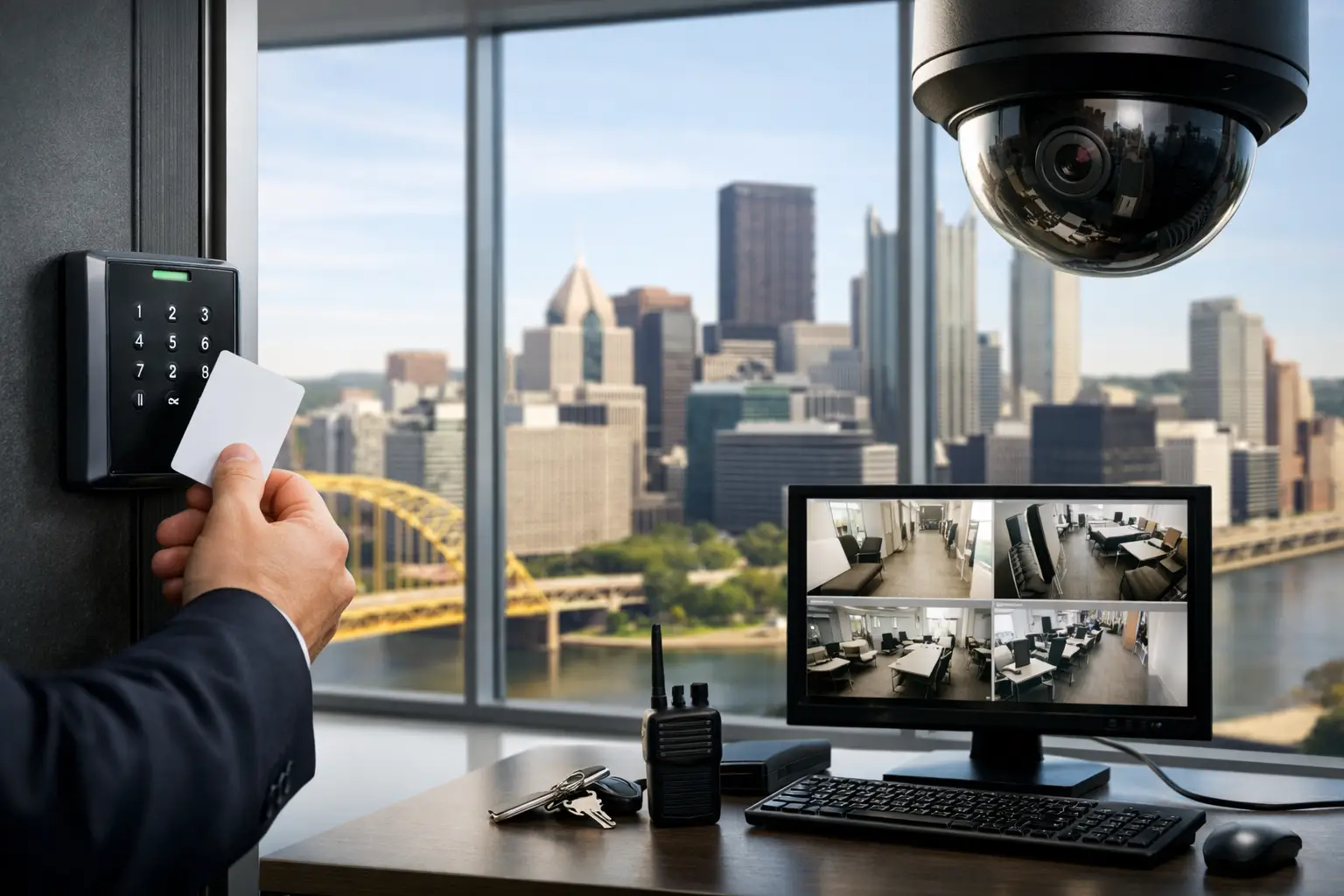
Electronic access control lets you replace or reduce reliance on physical keys with codes, fobs, cards, or mobile credentials. It can be a strong fit for offices with multiple employees, changing schedules, shared spaces, or doors that need different access levels.
The practical advantage is simple: when someone no longer needs access, their credential can be removed without collecting a key or rekeying the entire building. Managers can also set schedules so a credential works only during approved hours.
For a small office, a keypad lock at a staff entrance may be enough. For a larger operation, an access-control system can separate front-office access from records rooms, server closets, supply areas, and management offices. The best setup is not necessarily the most complicated one. A system that employees understand and consistently use is more valuable than advanced features nobody manages.
Electronic locks do involve trade-offs. They need dependable power, proper installation, and a plan for battery changes or outages. They should also be selected with life-safety rules in mind. Employees must always be able to exit freely from the inside, and certain doors may require code-compliant hardware.
Do Not Overlook Panic Bars and Door Closers
Panic bars, also called exit devices, allow people to exit quickly by pushing a horizontal bar. They are common on commercial doors and may be required based on occupancy, door location, and building code. If a panic bar sticks, fails to latch, or has been modified improperly, it can create both a security concern and an emergency egress issue.
A properly functioning exit device should secure the door from the outside while allowing immediate exit from inside. Adding an exterior trim, key cylinder, or electronic access component needs to be done carefully so the door still operates as required.
Door closers deserve the same attention. A closer that slams can damage hardware and frustrate staff. One that closes too slowly or fails to latch can leave the office unsecured after the last person walks in. Adjustment may solve the problem, but leaking or worn closers generally need replacement.
Protect the Areas That Matter Most
Not every room needs the same level of security. The front lobby needs a different approach than a payroll office or an IT closet. Start by identifying what would create the greatest operational problem if it were accessed, removed, or damaged.
For many offices, the priorities are employee records, client files, cash drawers, prescription or controlled items, laptops, network equipment, and master keys. A locking cabinet may be enough for some documents. Other areas may need a dedicated deadbolt, electronic access, or a limited-key system.
Avoid relying on one person to remember every security step at closing. Use a written closing procedure that confirms exterior doors are latched, keys are secured, alarms are set if applicable, and sensitive rooms are locked. It takes less than a minute, but it prevents the common mistake of assuming someone else checked.
Build a Layered Plan Instead of Buying Everything at Once
The best office security upgrades are usually completed in phases. Start with urgent failures: doors that do not lock, compromised keys, damaged frames, or exit hardware that is not working correctly. Then improve key control and access management. Finally, address convenience upgrades that reduce daily friction, such as electronic credentials for staff entrances.
A sensible first-phase plan for many small offices includes rekeying exterior doors, repairing latch and frame issues, installing commercial-grade hardware where needed, and setting a clear key policy. Access control and restricted keyways can follow when the office needs more control over employees, vendors, or shared suites.
Cost should be weighed against the consequence of a failure. A low-cost repair that prevents a rear door from being left unlatched is often more valuable than a costly gadget added to an already weak entry. The goal is a property that is secure, code-conscious, and easy for authorized people to use.
For Pittsburgh-area offices, Arcane Locksmith can inspect problem doors, rekey existing locks, install commercial hardware, and help determine whether panic bars or electronic access make sense for the space. A licensed, insured assessment gives you a clear starting point without guessing which hardware will actually solve the issue.
If a door is sticking, a key is unaccounted for, or an exit device is not latching, treat it as a security job rather than a future to-do item. Fixing the weak point now is usually simpler, less expensive, and far less stressful than responding after access has already been compromised.